
What is AI Summarisation?
3 min read · Last updated · Page version 2
AI Summarisation is the document-summarisation feature inside the Squirrel product family from Smikar Software. When Squirrel archives a SharePoint document out to Azure Blob Storage, AI Summarisation writes a plain-language summary of the document into the stub file left behind in SharePoint - so archived content stays discoverable in SharePoint Search and Microsoft 365 Copilot even after the original file has moved out of the SharePoint index.
For pricing, a demo, or a sales conversation, see the AI Summarisation product page on smikar.com. This wiki is the technical documentation.
The problem AI Summarisation solves
By default, when a file is archived out of SharePoint, the stub file left behind carries only the filename, the originating site, and a link to restore the original. That stub carries no content - so the document drops out of SharePoint Search, and Microsoft Copilot (which queries that index) can no longer surface it in answers. Archived data effectively becomes "dark" - preserved, but invisible to the tools your organisation uses to find information.
AI Summarisation closes that gap by embedding an AI-generated summary directly into each stub. The summary is indexed by SharePoint Search and read by Copilot, so archived documents remain part of your organisation's discoverable knowledge base without forcing you to keep them in primary SharePoint storage.
What AI Summarisation does at a glance
- Reads the archived document's contents after Squirrel archives it out
- Writes a plain-language summary into the SharePoint stub file
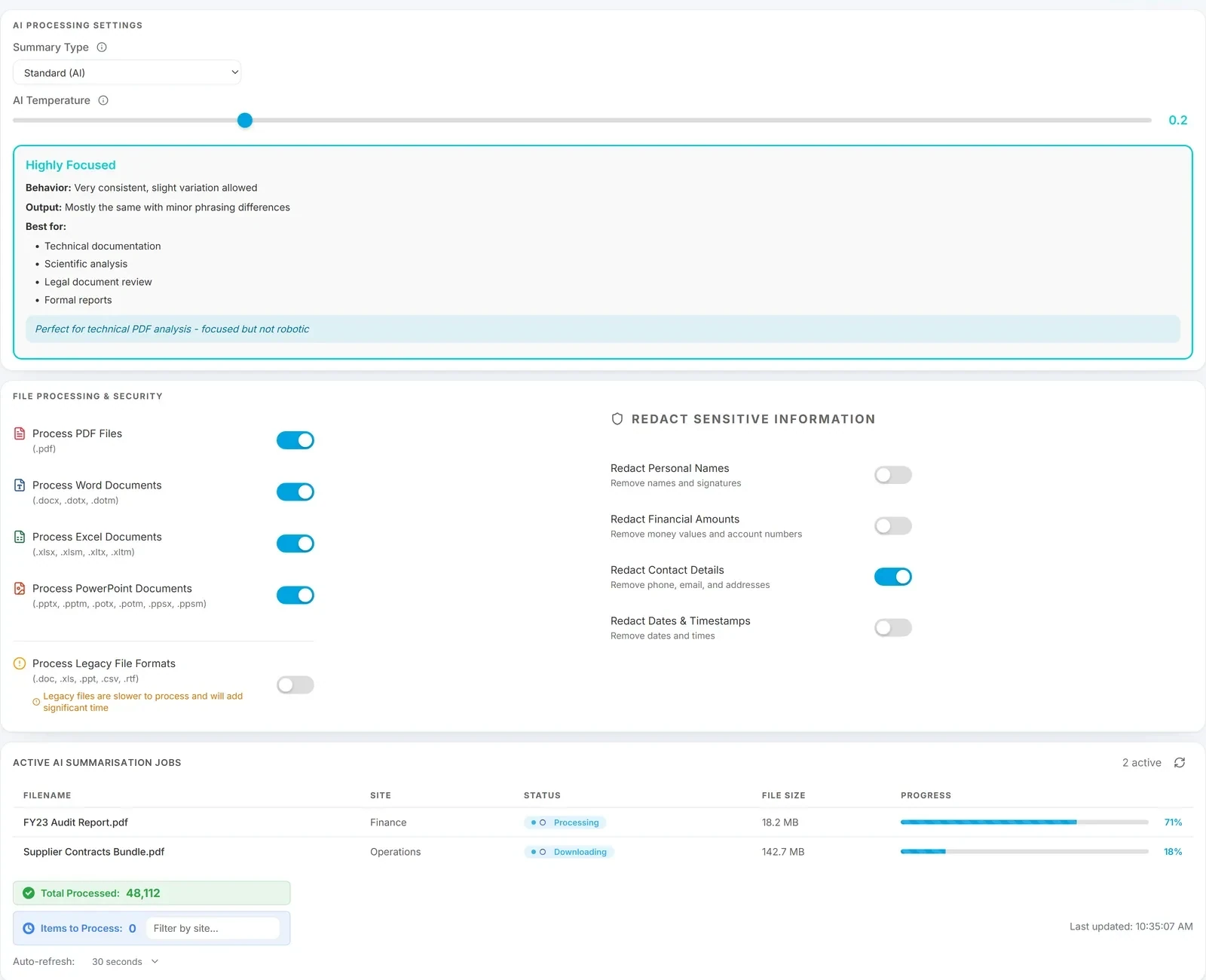
- Optionally redacts sensitive fields before the summary is written
- Runs retrospectively too - enable it later and old archives can be summarised in bulk
Runs entirely as a managed service from Smikar; your archive data stays in your own Azure storage.
Why AI Summarisation matters
- Copilot keeps working on archived content. Copilot is only as useful as the data it can see. AI Summarisation ensures the act of archiving does not blind Copilot to that part of your organisation's knowledge.
- Faster decisions for end users. People can judge whether a search result is worth restoring based on the summary, rather than restoring a document just to find out what it contained.
- Cleaner audits and reviews. Records, compliance, and legal teams get a human-readable description of every archived document - useful for retention reviews, eDiscovery scoping, and access audits.
- Storage savings without information loss. You get the cost reduction of moving cold data out of SharePoint without the usual side-effect of making that data hard to find again.
Where it sits in Squirrel
AI Summarisation is an add-on to the Squirrel archive platform. Squirrel handles moving files from SharePoint to your Azure Blob storage on lifecycle policy; AI Summarisation handles the summarisation that keeps those files findable. The two run together but are billed and licensed separately (AI Summarisation licensing scales per worker).
Next steps
- How AI Summarisation works - the archive-and-summarise pipeline end to end.
- Summary types - Detailed, Standard, Brief, Lite and Extract; when to use each, including the two that do little or no AI writing.
- Temperature settings - how creative or literal the summary should be.
- Supported file types - what AI Summarisation can and cannot summarise.
- Sample summaries - side-by-side examples from real content.
- AI Summarisation FAQs - common questions.
For licensing and rollout questions, contact sales@smikar.com.
- Release notes - AI Summarisation changes, by fortnightly sprint.