
Per-Alert AI Chat in Burrow
3 min read · Last updated · Page version 7
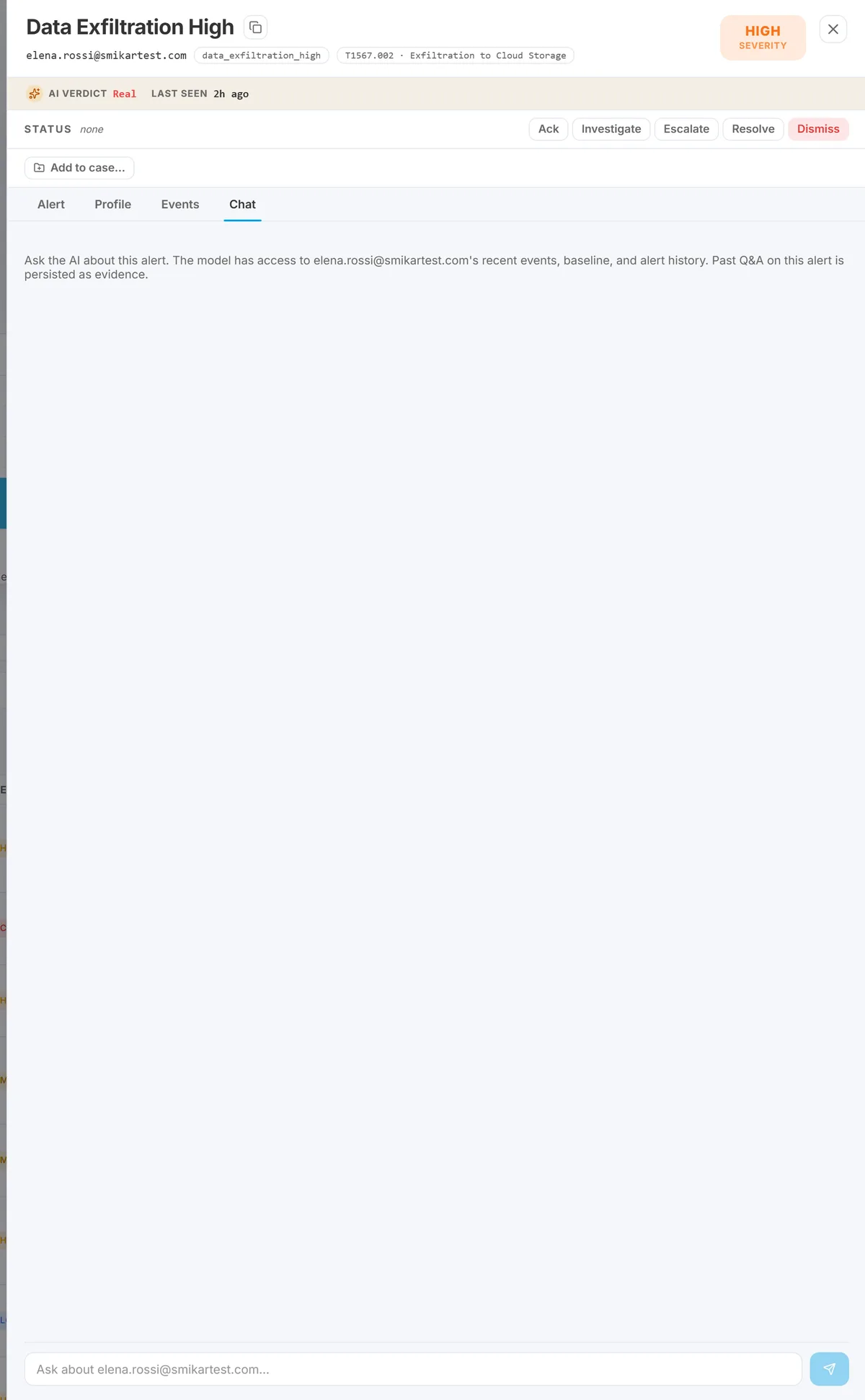
The Chat tab inside every alert's drill drawer lets a SOC analyst ask free-form questions about that alert - and the conversation persists. That matters because the next analyst opening the same alert sees prior questions and answers without having to redo the work.
This article covers when to use Chat, what kinds of questions work well, and how the persistence model works.
Where Chat lives
Open the Alerts page on the Burrow dashboard. Click any alert to open the drill drawer. One of the tabs in the drawer is Chat (alongside the evidence sections).
The Chat tab is scoped to this specific alert. A different alert - even one on the same user - has its own separate Chat thread.
What you can ask
The AI behind Chat has the alert's full context loaded - the deterministic evidence, the user's behavioural profile, recent events. That makes some kinds of questions easy to answer:
- "Is this normal for this user?" - the AI compares today's activity to the user's profile baseline.
- "What else did they do today / this week / this month?" - the AI reads the recent event history.
- "Has this same alert fired for this user before?" - the AI reads the alert history.
- "What's the worst-case interpretation of this evidence?" - the AI walks through the rule's MITRE technique and what an attacker doing this would look like.
- "What would I look at next?" - the AI suggests the next investigation step (which dossier tab, which Hunt filter).
What works less well: speculative questions outside the alert's scope, or questions that need data Burrow doesn't have (e.g. "what's in this user's email?").
Persistence and shift hand-off
Every Chat Q&A is saved to the alert. When the next SOC shift opens the same alert, they see the prior conversation in chronological order - questions asked, answers given, who asked them, when.
This matters for two reasons:
- No repeated investigation. Instead of every shift asking "is this normal for this user?", the first shift asks and the answer carries forward.
- A reasoning trail. When an alert is later escalated or audited, the Chat history shows what the SOC team thought at each step - useful evidence for both shift hand-offs and after-the-fact reviews.
Chat vs the Identity Chat tab
The Identity dossier has its own Chat tab. The difference:
- Per-alert Chat is scoped to one alert. Use it when you're triaging that specific alert and want context for it.
- Identity Chat is scoped to one user across all their activity. Use it when you're investigating a user broadly, independent of any single alert.
What Chat isn't
- It isn't a way to change a disposition. Use the Real / Not real / Maybe buttons in the drawer; Chat does not record a verdict.
- It isn't a substitute for Hunt. For specific event lookups (timestamps, exact filenames, exact IPs), Hunt is faster and exhaustive. Chat is for interpretation, not enumeration.
- It isn't accessible from email. The Chat thread lives in the dashboard. Email alerts link back to the dashboard; the Chat history is visible once you click through.
See also
- Investigating an alert - the workflow Chat fits inside.
- Using the Identity dossier - for the entity-scoped Chat surface.
- Reading the evidence box - the deterministic + AI anatomy that gives Chat its context.
Need help? support@smikar.com.