
Squirrel Administrators Portal
2 min read · Last updated · Page version 14
The Squirrel Administrator Portal gives IT administrators access to the centralised dashboard for managing archive and restore activity, monitoring worker status, and reviewing logs and storage usage.
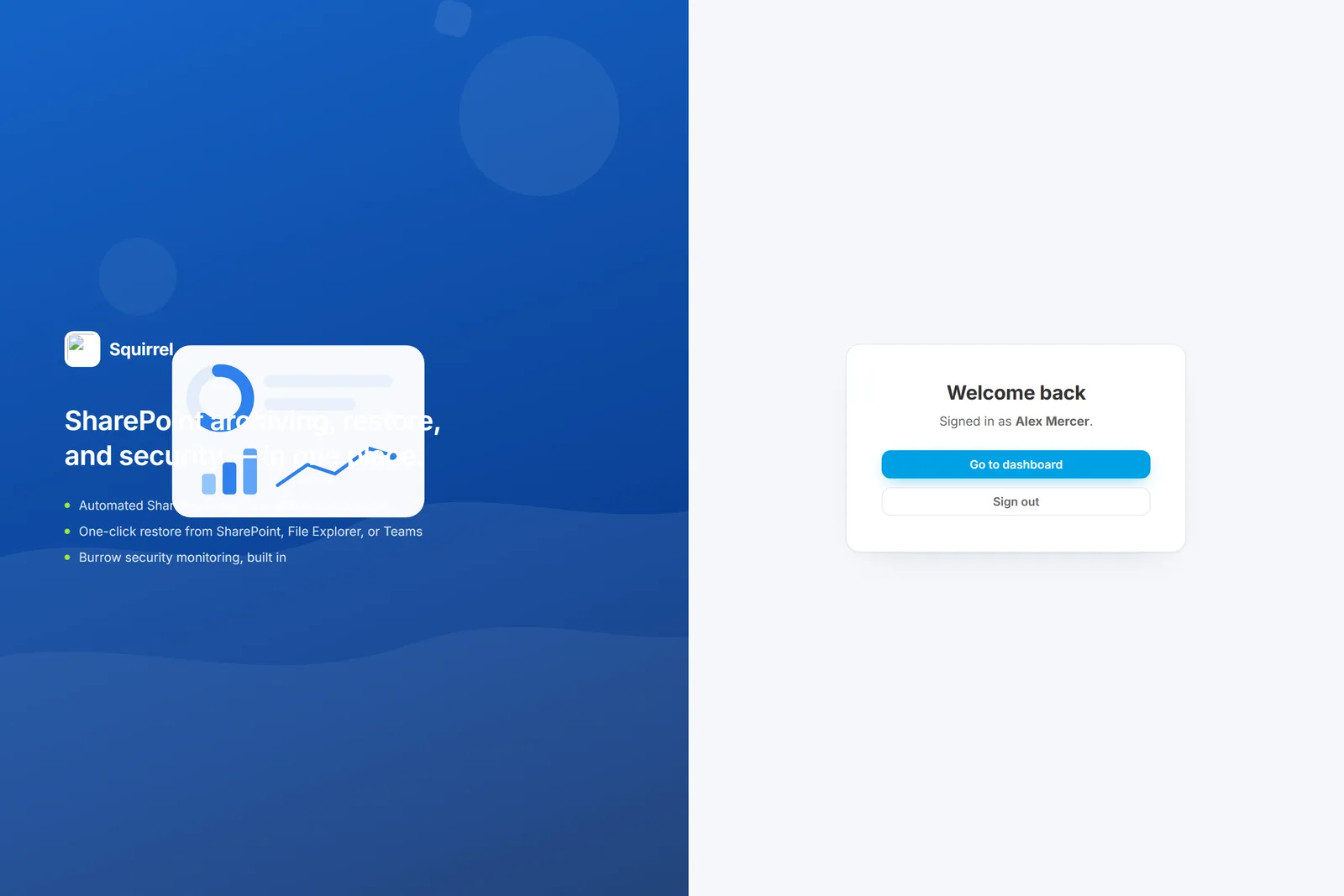
Administrators log in using their Microsoft 365 credentials through a personalised login URL specific to your company. Multi-Factor Authentication (MFA) is required to ensure secure access.
Once logged in, administrators can view and manage:
- Archive and restore queues
- Dashboard metrics
- Job status and history
- Worker node health
- Audit logs
- Storage consumption and savings
Logging In
Follow the steps below to access your Squirrel dashboard:
| Step | Description | Image |
|---|---|---|
| Step 1 | Navigate to your personalised Squirrel URL. | (You’ll receive this URL from your SmiKar representative once your environment is provisioned.) |
| Step 2 | Click on Sign In. | |
| Step 3 | Log in using your Microsoft 365 credentials. | 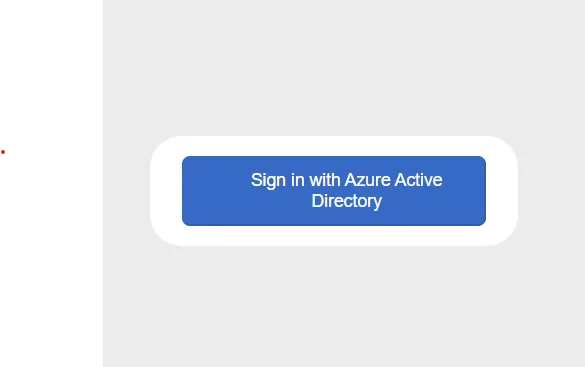 |
| Step 4 | After successful authentication (including MFA), you will be taken to your Squirrel dashboard. | 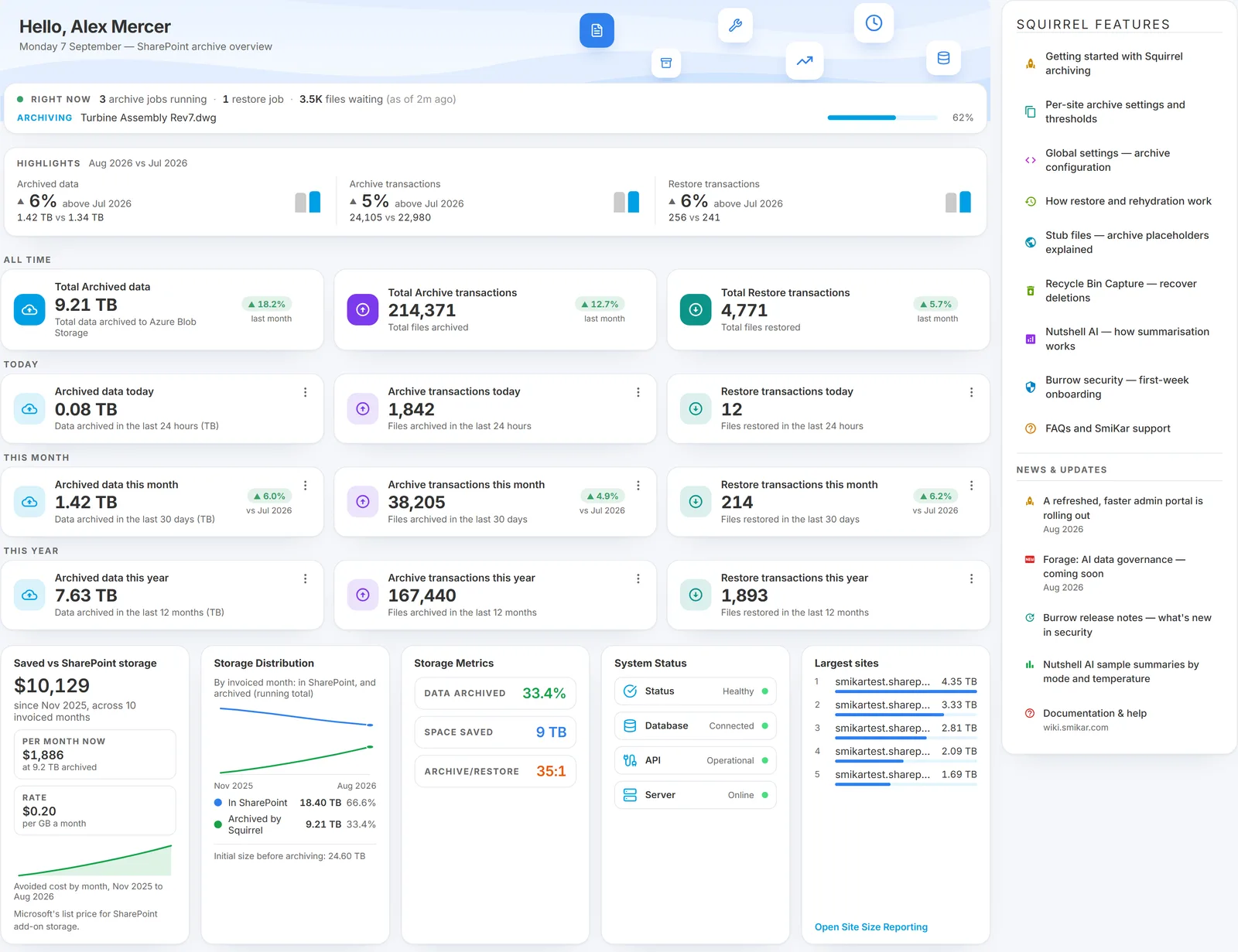 |
Tip: Bookmark your personalised Squirrel URL for quick future access.
If you encounter any issues accessing your portal or need assistance with login setup, please contact support@smikar.com.
If a page says you cannot open it
Access is by group membership, so it is possible to sign in successfully and still be refused a particular page. When that happens you get a plain "You can't open this" screen naming the page you tried to reach, rather than a silent redirect or an error code.
Two things to know about it. There is a button that copies the SmiKar support address to your clipboard, so you can paste it into an email without typing it out. And the attempt is logged - so if your account genuinely should have access, support can see the attempt when you get in touch rather than asking you to reproduce it.
The way out of the screen is back to the dashboard, or support. Being refused here is a group-membership question for whoever administers your tenant, not a fault with Squirrel.