
Data Operations - Chipmunk Archiving Jobs
1 min read · Last updated · Page version 7
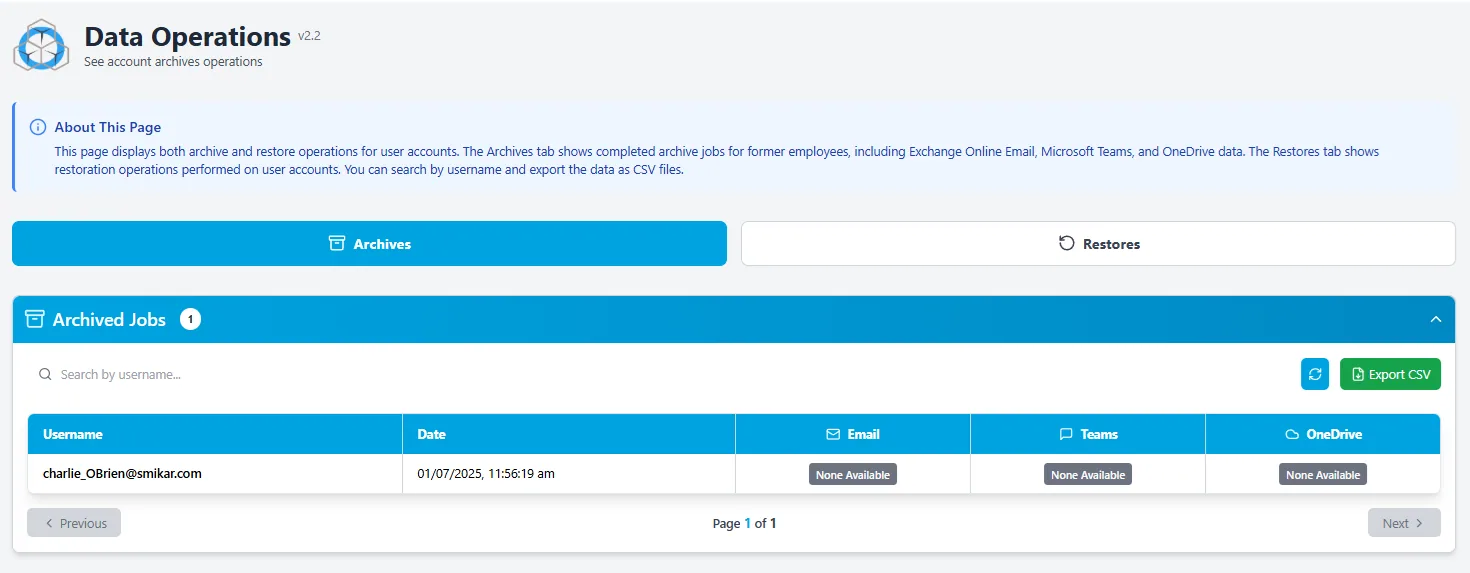
The Data Operations page displays all completed archive and restore operations for user accounts.
Overview
This page is divided into two tabs:
- Archives – Shows finalised archive jobs performed on user accounts, including data from Exchange Online (Email), Microsoft Teams, and OneDrive.
- Restores – Displays completed data restore jobs, including the target destination and job completion time.
Features
- Easily filter jobs by username
- Export job history to CSV for reporting or compliance
- Useful for reviewing what data has been archived or restored, and for audit purposes
- Click on a user account to open a pop-up showing detailed information about the specific archive (including timestamps and data types)
Use Case
The Operations view is particularly helpful when:
- You want to verify that a user’s data has been successfully archived or restored
- You need historical logs for compliance or incident response
- You're preparing reports for data governance teams